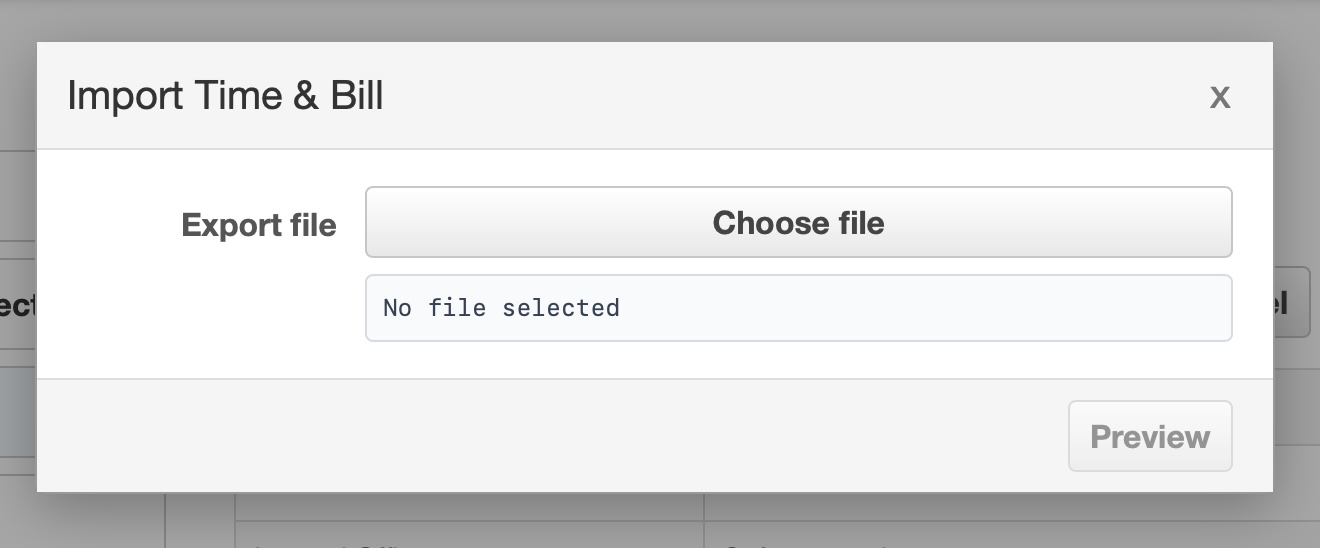
The GUI is for users who prefer a visible dashboard, projects page, reports, database switching, and import flow. It uses the same local database format as the CLI.
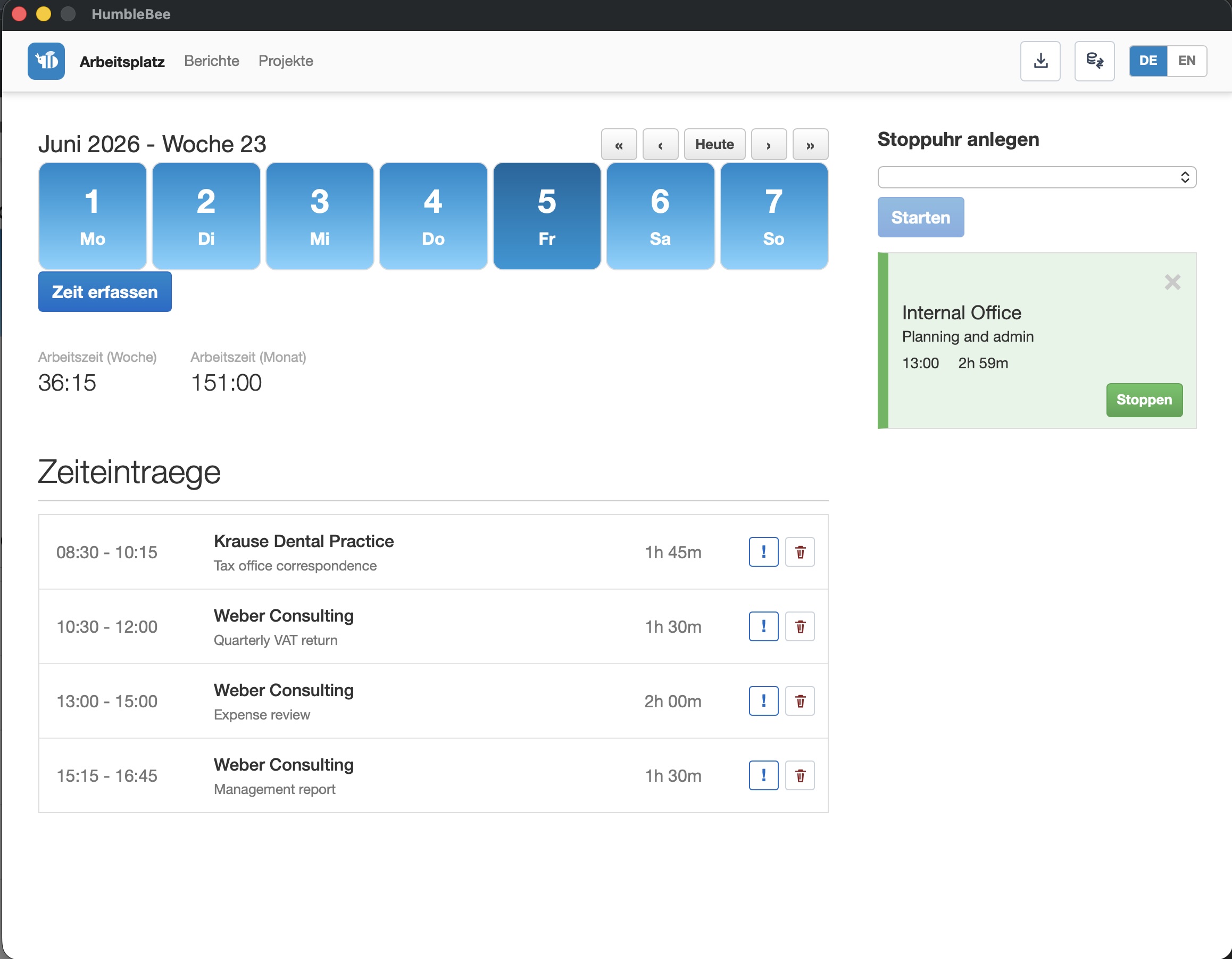
Use the GUI when you want to:
- start and stop work without remembering CLI commands,
- manage projects and tasks visually,
- import Time & Bill exports,
- switch between local databases,
- review reports and export spreadsheets,
- keep the app open during the workday.
Dashboard
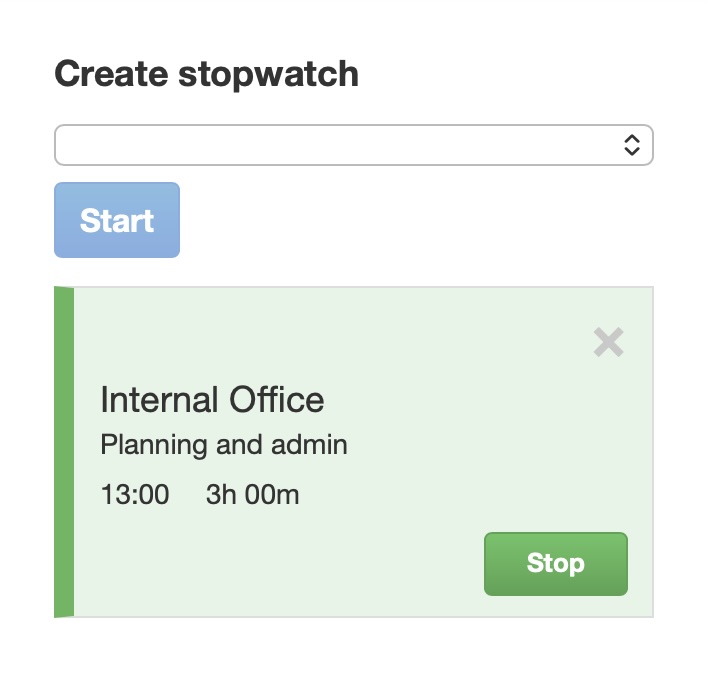
The dashboard is the daily workspace. It shows work time totals, stopwatches, and the entries for the selected day.
Projects and tasks
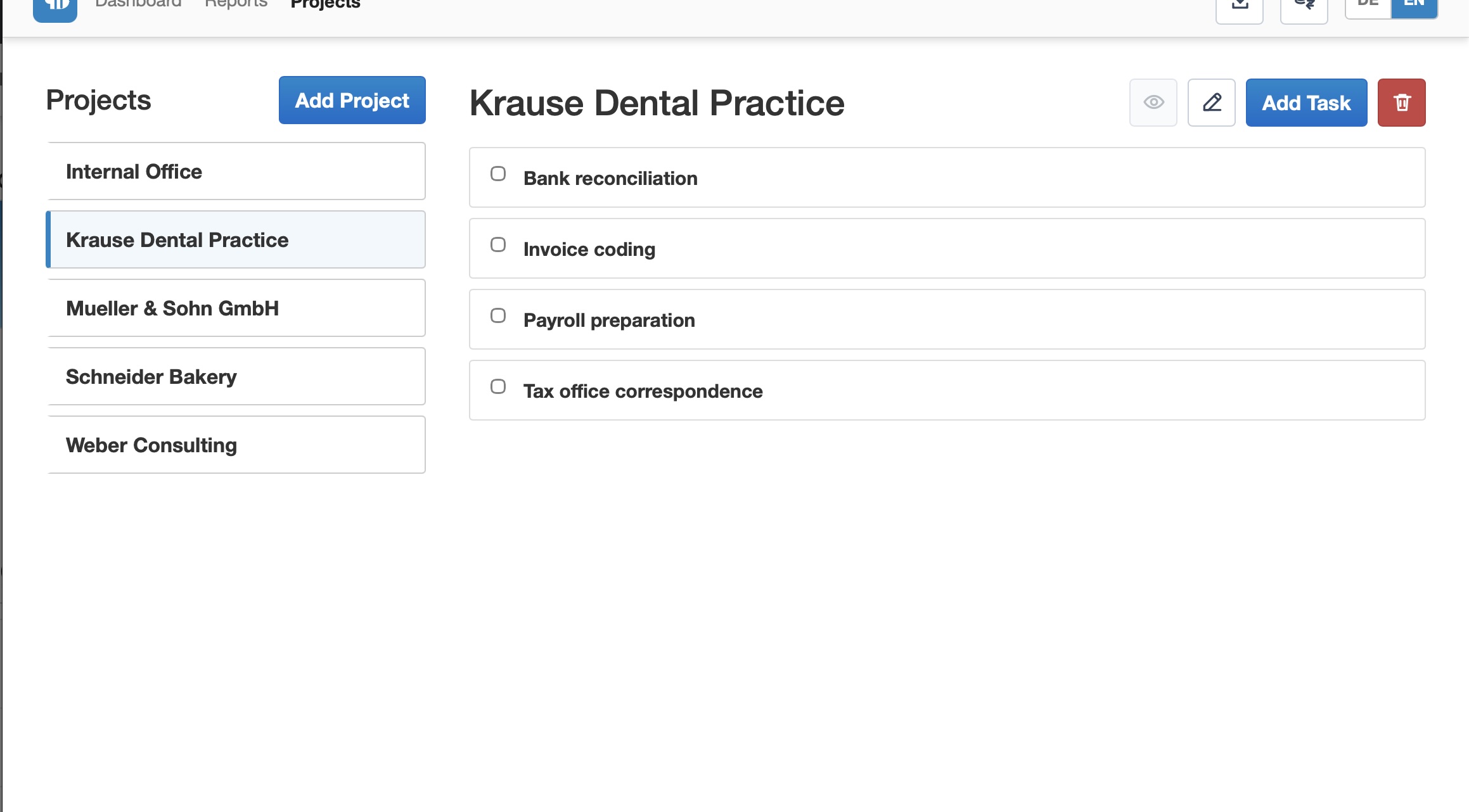
Projects organize the work you track. Tasks can be completed and hidden from stopwatch selection, which keeps the daily list focused.
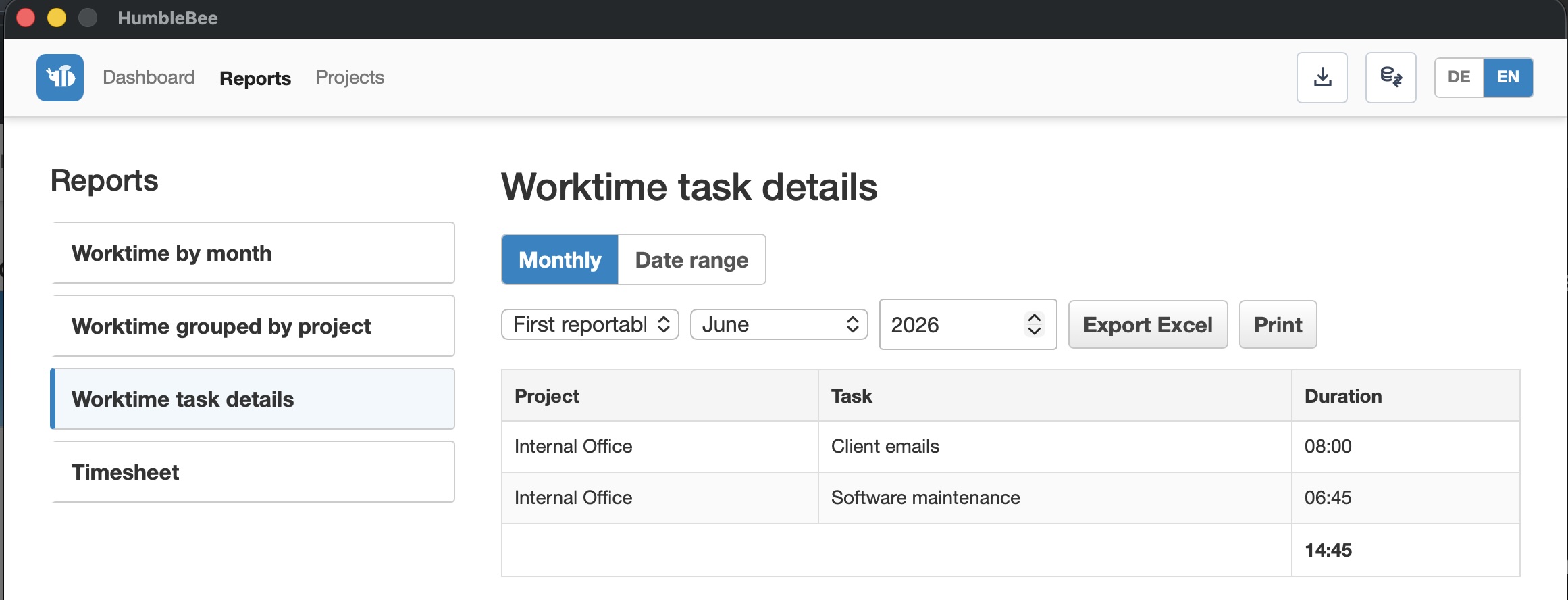
Reports
Reports provide filtered views, spreadsheet export, and print support.
Import and database switching
The GUI can import Time & Bill exports and switch between local database files.