
Today we are introducing HumbleBee, a free and open source time tracker for people who want to keep their work time local.
HumbleBee is not a replacement for Time & Bill. It is a different tool for a different situation.
Time & Bill remains the hosted product for teams, shared browser workflows, reports, roles, and managed business use. HumbleBee is the local-first option for developers, freelancers, consultants, and solo users who prefer a smaller tool with a local SQLite database, a CLI, and a standalone GUI.
If you already know which product you need, that distinction is simple:
- choose Time & Bill when you want a hosted team product,
- choose HumbleBee when you want local-first solo time tracking.
For a permanent side-by-side comparison, see Time & Bill vs HumbleBee.
Why HumbleBee exists
Not every time tracking problem needs a subscription, a team account, or a hosted system.
Some people simply want to track work time on their own computer. They want to know where the database is. They want to back it up themselves. They want a tool that works offline, has no required cloud account, and remains understandable.
That is the space HumbleBee is designed for.
It stores data locally in SQLite. The database can be copied, backed up, switched, and inspected. The workflow is intentionally focused: create projects and tasks, start and stop time, enter manual time, run reports, and export what you need.
CLI and GUI
HumbleBee started as a CLI-first tool.
For many developers, that is still the fastest workflow:
humblebee start "Client Project > Development"
humblebee stop
humblebee report
But not everyone wants to remember commands during the workday. That is why HumbleBee also includes a standalone GUI.
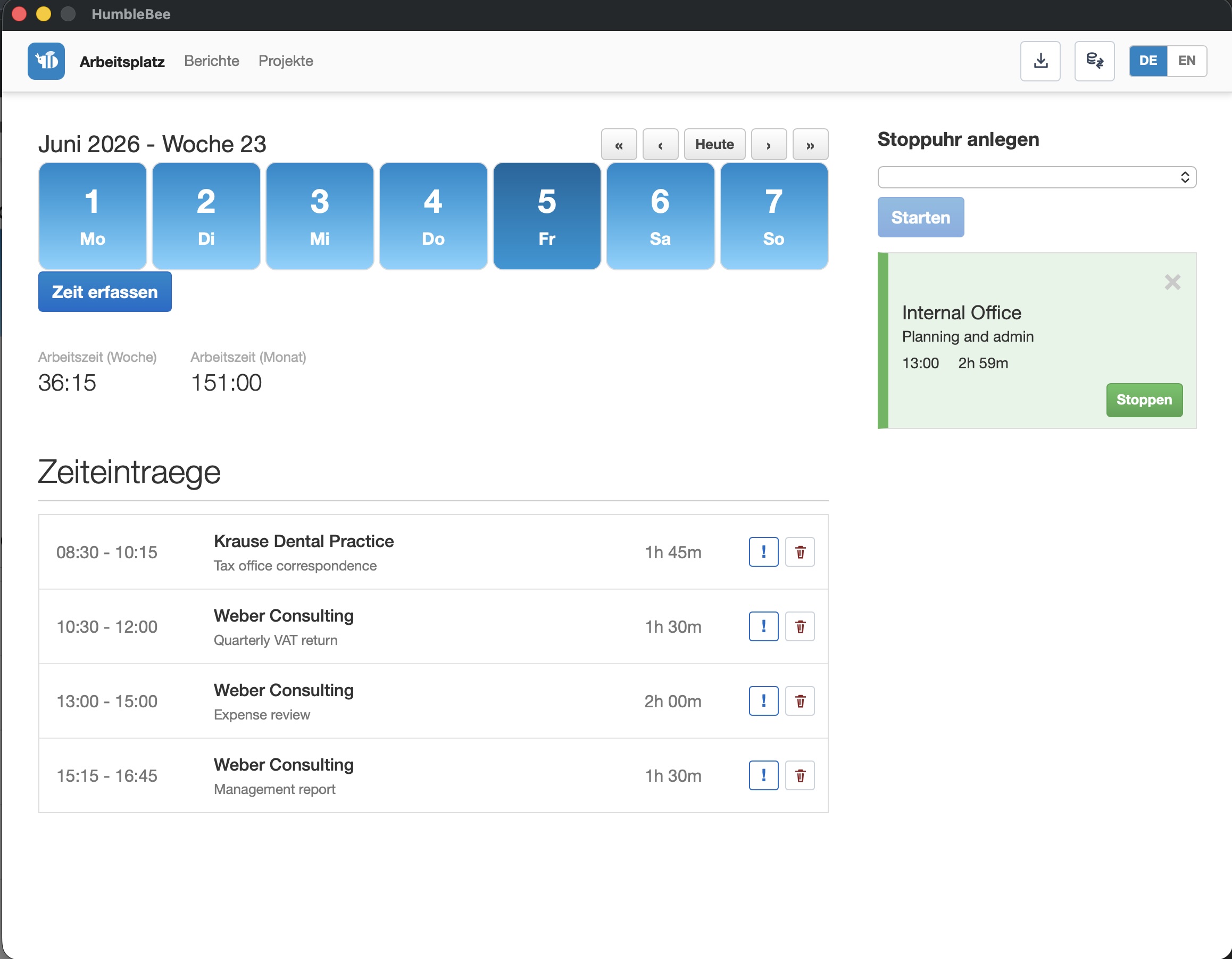
The GUI gives you:
- a dashboard with weekly and monthly work time,
- multiple stopwatch cards,
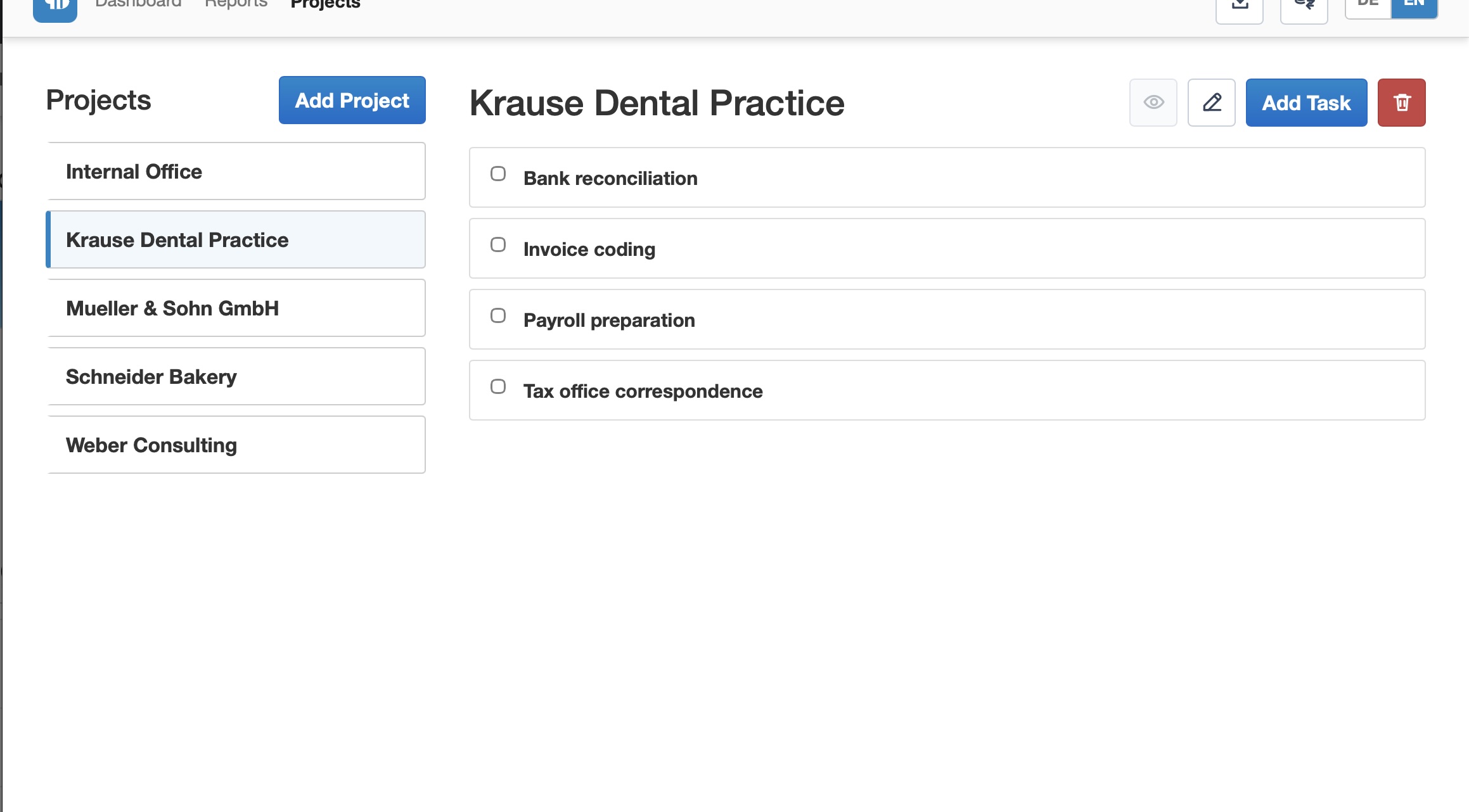
- project and task management,
- reports with filters,
- print and spreadsheet export,
- Time & Bill import,
- local database switching.
Import from Time & Bill
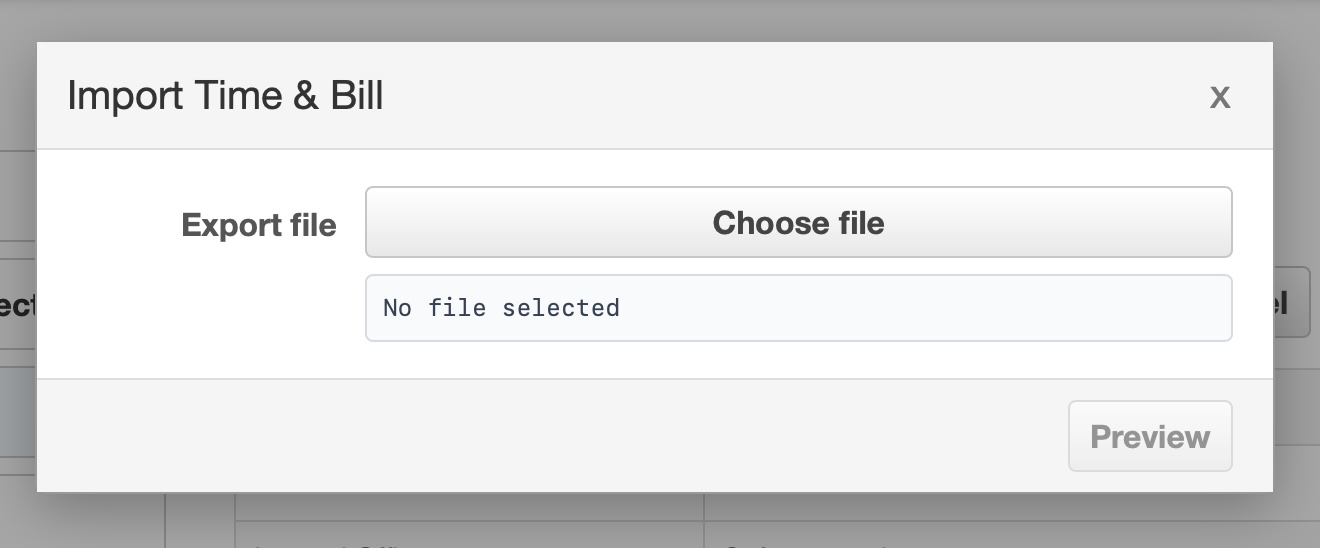
HumbleBee can import a Time & Bill export.
That is useful if you want a local archive of your data, if you want to test a local-first workflow, or if your current use case no longer needs a hosted team product.
The import flow previews what will happen before writing data. It reports created projects, tasks, and time entries. If imported time conflicts with existing local time, HumbleBee reports the conflict and skips the conflicting entry instead of overwriting local work.
What HumbleBee is not
HumbleBee is not meant to become Time & Bill in miniature.
It does not try to solve team permissions, shared hosted reports, mobile-first workflows, account administration, or managed SaaS operations. Time & Bill exists for those use cases.
HumbleBee is deliberately smaller:
- one local user,
- local data ownership,
- CLI and desktop GUI,
- open source code,
- simple reports.
That boundary is important. It keeps HumbleBee useful for solo work and keeps Time & Bill focused on hosted collaboration.
Download HumbleBee
You can download HumbleBee from GitHub:
github.com/grobmeier/humblebee/releases
The project source is also available on GitHub:
github.com/grobmeier/humblebee
If you want to start with documentation, use the HumbleBee guide.
A small but useful addition
Time tracking should match the way you work.
For some people, that means a hosted product with collaboration, reports, and managed infrastructure. That is Time & Bill.
For others, it means a local database, a fast CLI, and a desktop app that stays out of the way. That is HumbleBee.
Both can exist, because both solve real problems.